Begin with the value of the information
Data can represent years of business records, projects, financial work, or operational knowledge. My vision is to help organizations understand where that information lives, who needs access to it, and what losing or temporarily losing access would mean.
The planning process should distinguish files that are convenient from systems and records that are essential. That distinction guides capacity, performance, protection, and recovery priorities. Buying more disks is not a substitute for understanding the information they hold.
Choose storage around the application
Directly attached storage, network-attached storage (NAS), and storage area network (SAN) approaches serve different requirements. I want to explain these choices through actual use cases, including access patterns, number of users, performance needs, expansion, and available administrative skills.
The appropriate solution may be straightforward for a small office or more structured for a server environment. Recommendations should account for compatibility, supported configurations, network capacity, and the operational effort required to maintain the system.
Separate availability from backup
RAID can be part of an availability design, but it is not a backup. Copies that exist only within the same live storage system may not protect against accidental deletion, corruption, or an incident affecting the whole system.
My vision is to make these distinctions clear before equipment is purchased. A protection plan should explain what each layer is intended to address, what it does not address, and how an independent recoverable copy will be maintained. Actual choices must fit the application and resources.
Design the recovery, not just the copy
A backup plan should identify what is protected, how frequently copies are made, where they are stored, how long they are retained, and who can access them. Separate copies and protection from common failure conditions should be considered for the situation.
Most importantly, the restore process should be understood and checked. File recovery and complete application recovery are different tasks. The business should agree how much recent work it can afford to lose and how long an interruption it can tolerate, then evaluate whether the proposed process can meet those goals.
Prepare for failure and growth
Storage planning should record capacity trends, health observations, supported replacement procedures, access responsibilities, and space for growth. Changes such as adding disks or moving a workload require model-specific checks and a recovery plan.
When a serious failure occurs, preserving the existing state can matter more than attempting repeated repairs. I want learning material to distinguish normal administration from specialist recovery work and explain when escalation is appropriate. No recovery outcome should be guaranteed without evaluating the case.
A practical continuity scenario
Imagine a small office with important shared documents and a business application. A useful plan first identifies the authoritative copies and application dependencies. It then sets a backup process, a separate copy strategy suited to the risks, and an agreed sequence for restoring service.
The final proof is a controlled restore check with recorded results. My aim is to help users understand what has actually been recovered, how long it took, and what needs improvement. This turns backup from an assumption into a process people can assess.
Proposed next steps
- Inventory important information and recovery priorities.
- Select suitable storage and a distinct backup approach.
- Document ownership, retention, and restore procedures.
- Run controlled recovery checks and review growth.
What progress should show
- Successful restore checks and recorded findings
- Recovery time against agreed business goals
- Clarity of backup ownership and failure alerts
- Capacity headroom and repeat storage problems
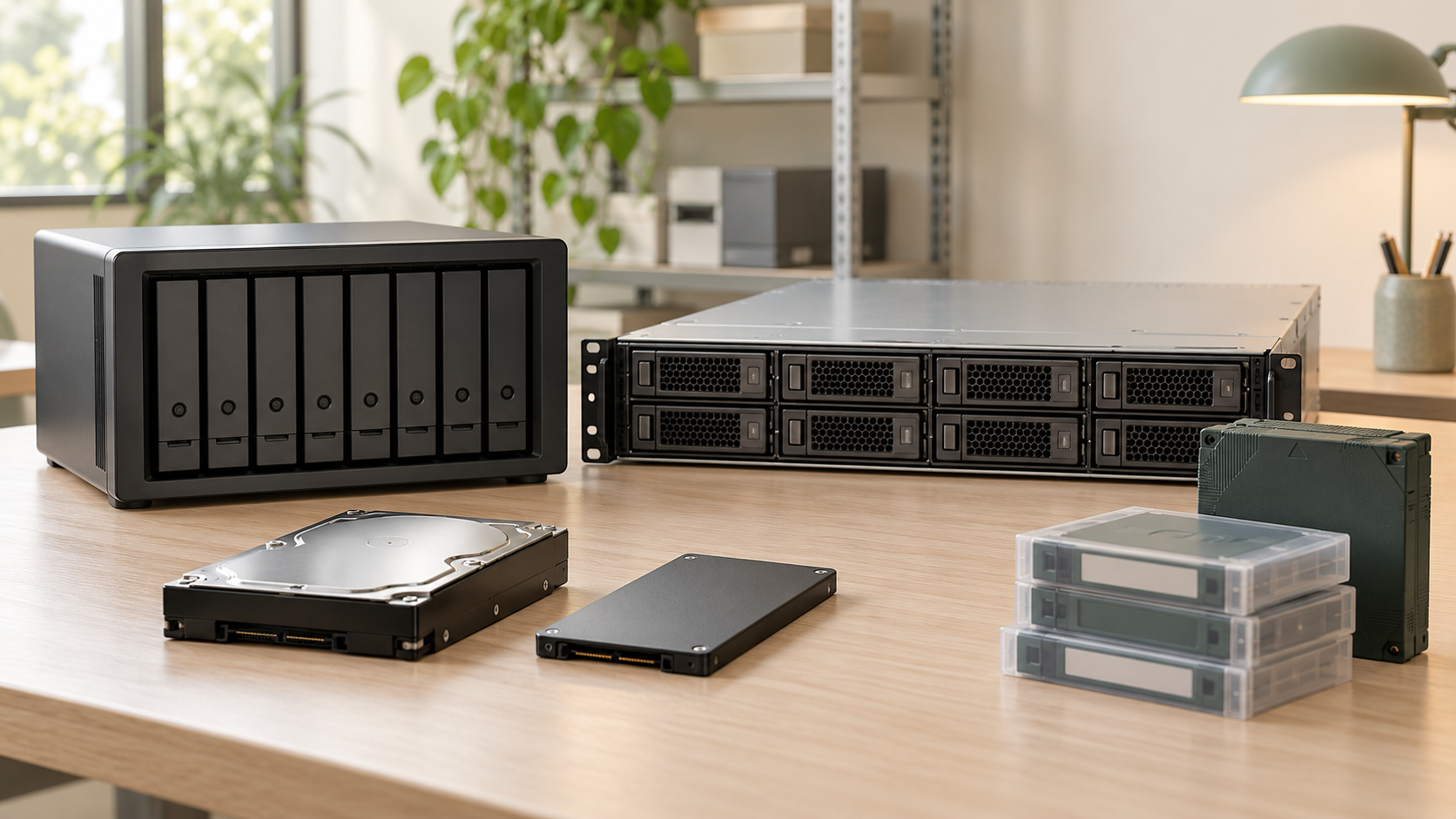
This is Arvind Mishra’s vision and proposed development approach. Future categories, capabilities, partnerships, and milestones are ambitions unless explicitly described as current work. Product photographs are AI-generated illustrations, not photographs of manufactured inventory.